Welcome to SermonReachTurn any Sunday sermon into a full week of social media content. Fill in the sermon details, paste the YouTube link, choose your clip focus, and click Analyze Sermon. Results appear in three tabs below.
Start HereFill in the speaker title, first name, last name, and the sermon date. The sermon date is required. Paste the YouTube link. SermonReach will fetch the transcript automatically. If it fails, click Paste transcript manually, go to YouTube, click the three dots under the video, click Show Transcript, copy it, and paste it here.
Sermon Clip FocusChoose one before analyzing. Outreach finds five clips for people outside the faith. Discipleship finds five clips for growing believers. Custom lets you enter a specific question your community is asking.
Sermon Summary TabA 500 word narrative summary ready to post as a text caption on Instagram, Facebook, or YouTube. Use Copy Summary or Download to save it.
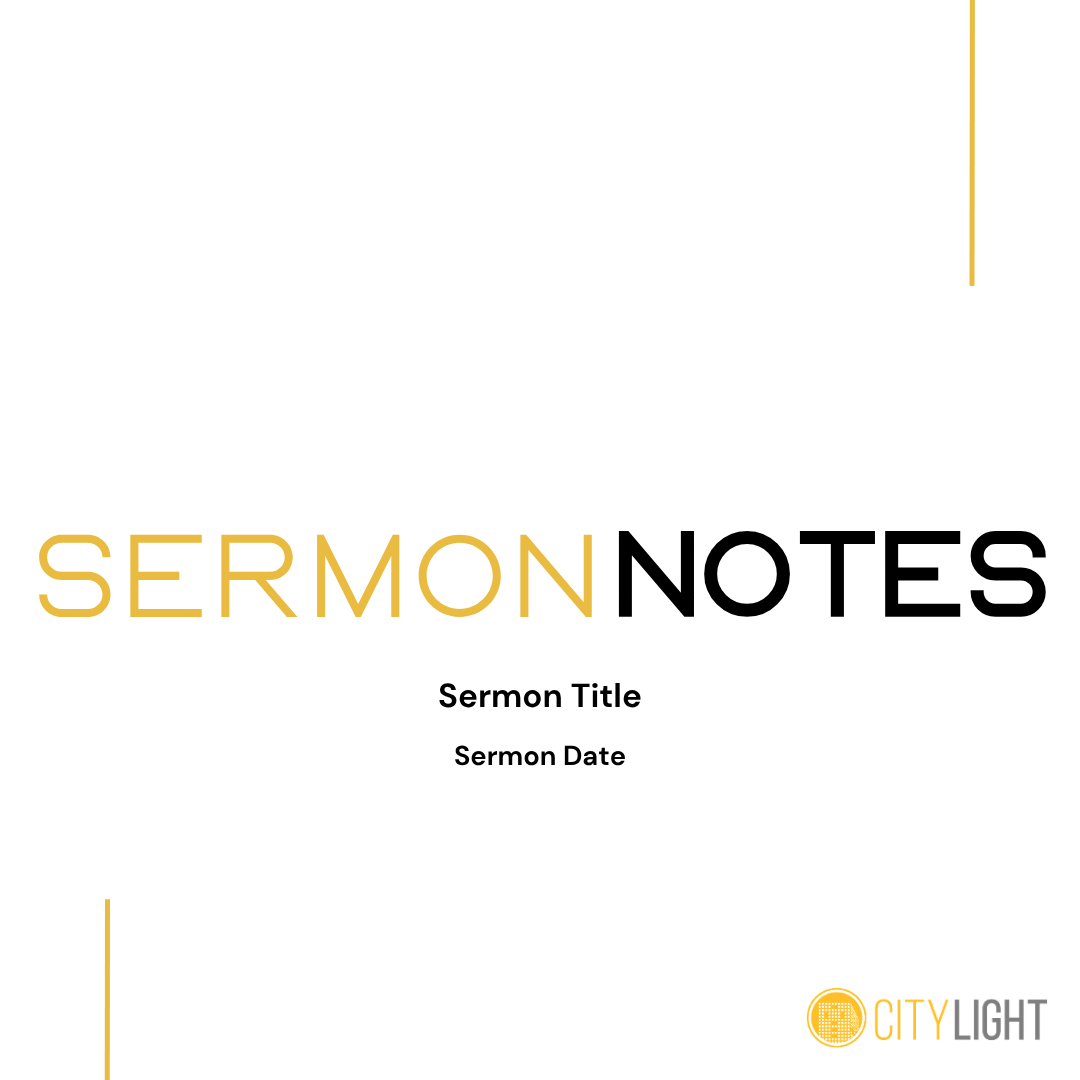
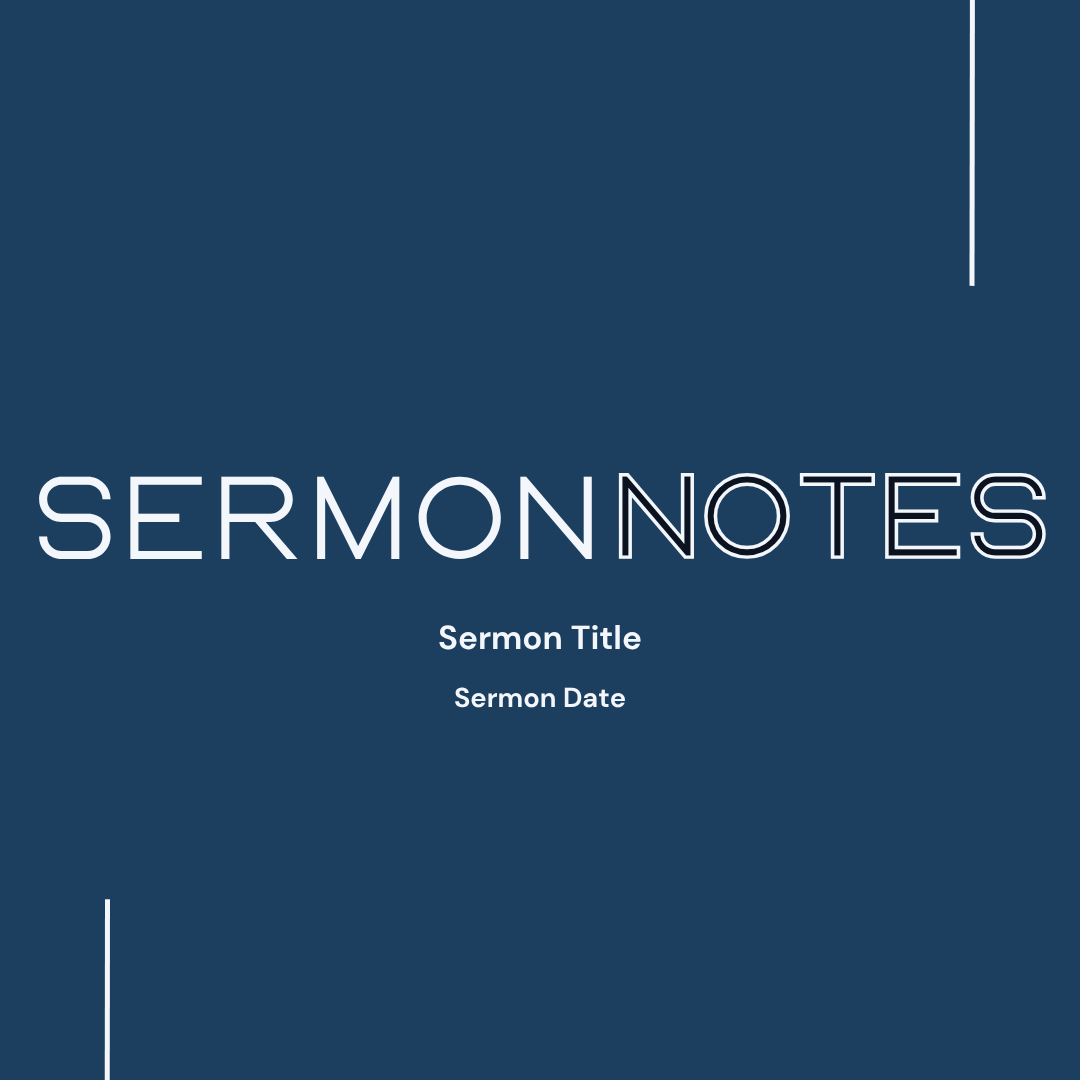
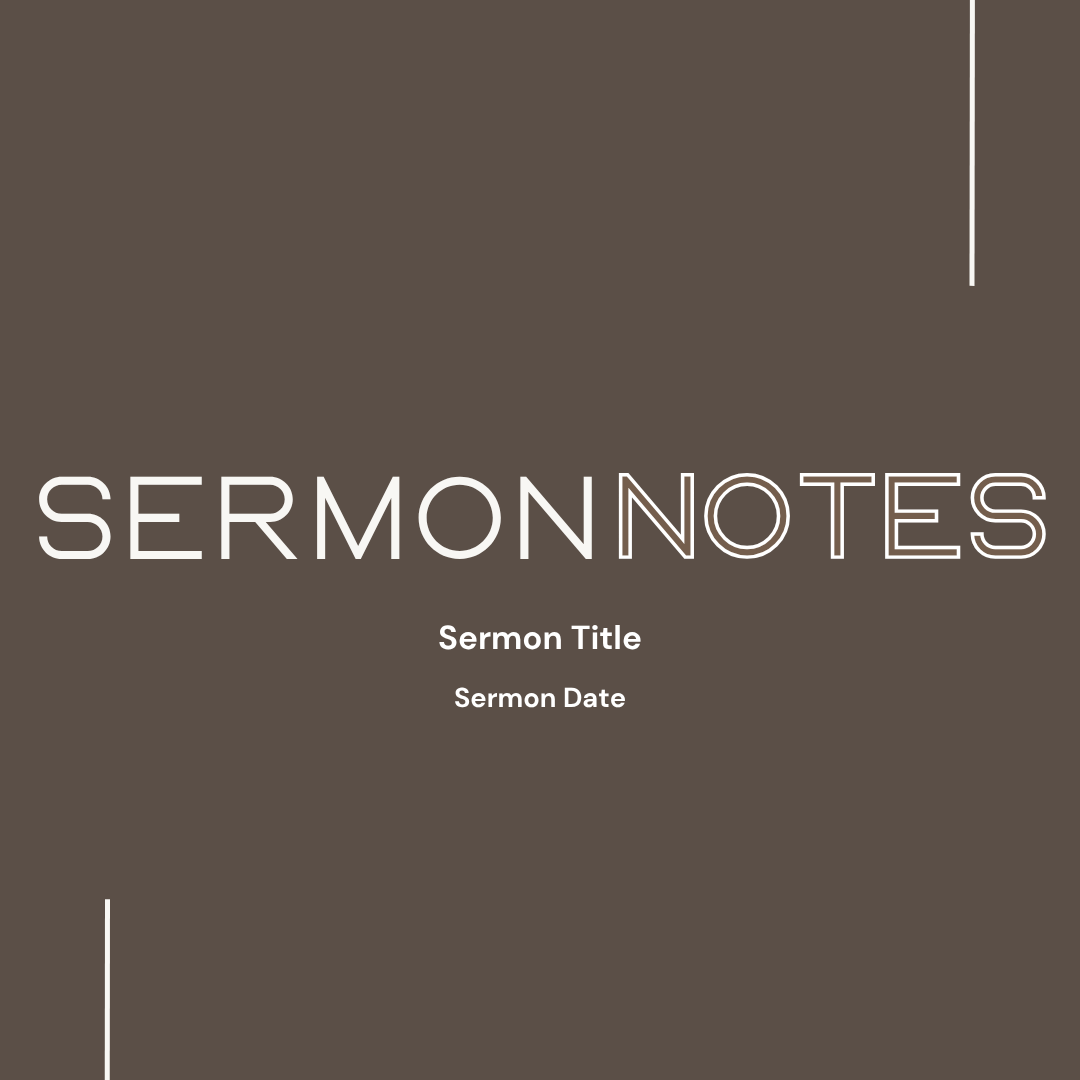
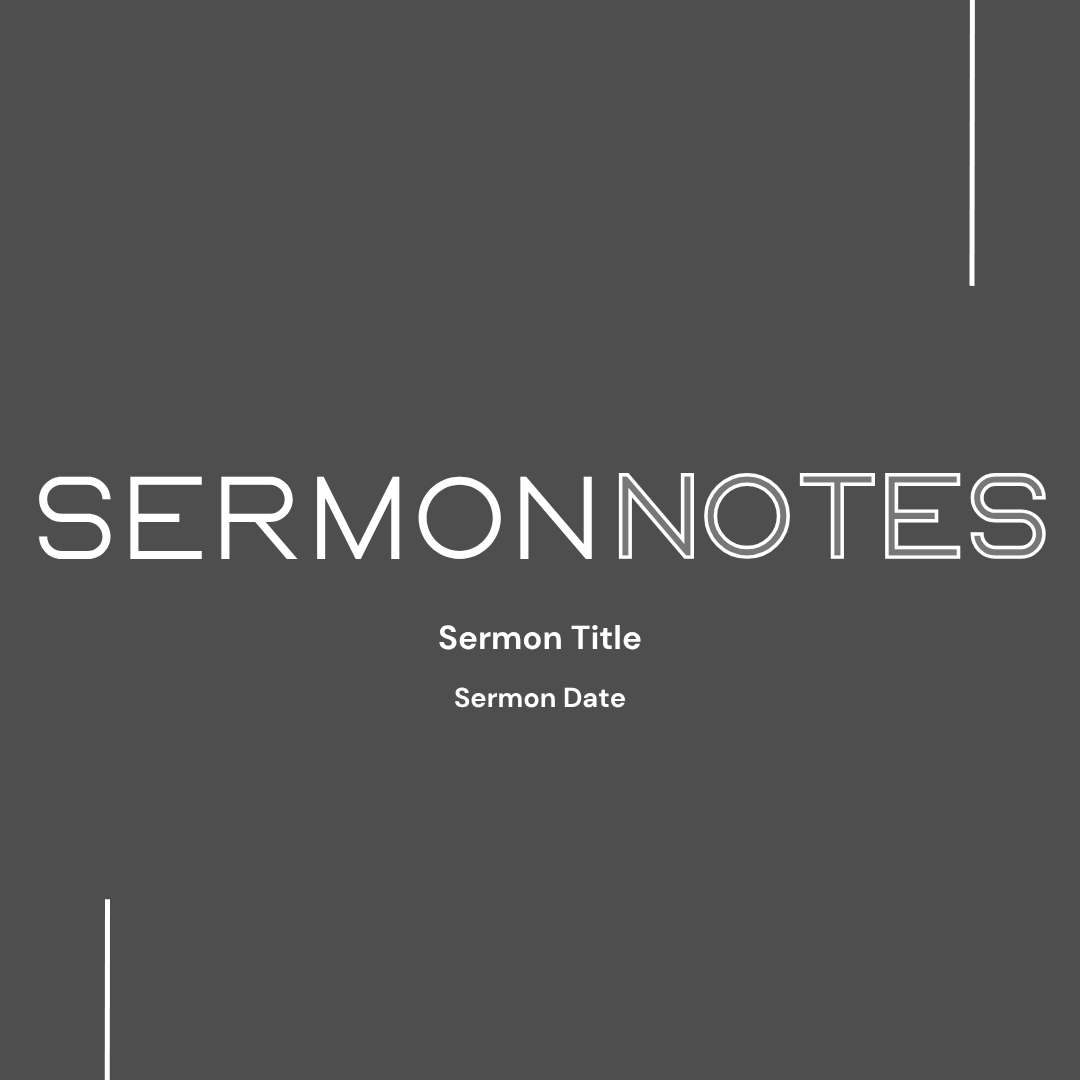
Sermon Notes Slides TabChoose a theme from the four thumbnails. Click Generate Slide Images to download all 6 slides as PNG images in a single zip file, numbered in carousel order. Use Download PNG on any individual slide if you only need one. All slides are 1080x1080 for Instagram carousel.
Sermon Clips TabFive video clips with timestamps and captions. Edit the caption before creating the clip. Click Create Clip to send that moment to Opus Clip. Create no more than 2 clips at a time. When the clip is ready, click Publish Now to post immediately or Schedule to pick a future date and time. Green badge means published. Gold badge means scheduled.
Analysis HistoryClick the hamburger menu at the top right and select Analysis History to see your last 10 analyses. Click Load on any entry to restore the full results instantly.
My Account and Sign OutClick the hamburger menu at the top right. Choose My Account to update your password or Sign Out to log out.
Questions? Contact Brian at brianc@citylightvicksburg.org
Welcome to SermonReachSermonReach turns any Sunday sermon into clips, slides, and a summary for social media — all from a single analysis.
Getting AroundUse the bar at the bottom of the screen to navigate. Start Here is your input form. Results shows your analysis. History shows past analyses. Account gives you settings and sign out.
Video SourceToggle between YouTube Link and Upload Video File. For YouTube, paste the link and the transcript is fetched automatically. For uploaded files, enter a sermon title, pick your video, and SermonReach handles the rest.
Sermon LibraryWhen you upload a file, it is saved to your team's shared library. In Upload mode, tap Browse Sermon Library to reload any previous sermon instantly without re-uploading.
Clip FocusChoose before analyzing. Outreach finds clips for people outside the faith. Discipleship finds clips for growing believers. Custom lets you ask a specific question — SermonReach will tell you if the sermon does not address it.
Viewing ResultsAfter analysis finishes the app switches to Results automatically. Swipe left and right between Sermon Summary, Sermon Notes Slides, and Sermon Clips.
Sermon ClipsEdit the caption on each clip before creating it. Create no more than 2 clips at a time. When ready, tap Publish Now or Schedule. Green badge means published. Gold badge means scheduled. Creating all five clips in the same session as your upload saves credits.
Analysis HistoryTap History in the bottom bar to see your last 10 analyses. Tap Load to bring any of them back instantly.
Team ManagementAdmins only. Tap Account then Team Management to invite or remove team members.
Account and Sign OutTap Account in the bottom bar. Open My Account to update your password or tap Sign Out to log out.
Questions? Contact Brian at brianc@citylightvicksburg.org